
A website launch doesn’t start on launch day. It starts the moment you decide what has to be ready for people to contact you (forms + email), for search engines to understand your pages (SEO), and for everything to work reliably (testing).
If you’re planning a new site and you’re thinking “How early do we need domain + DNS?”, “When do forms and emails get tested?”, and “What counts as ‘SEO setup’ before launch?”-this timeline is for you. (As guidance, consider Google’s own recommendation to focus on helpful, people-first content, not last-minute SEO theater.)
Big delays usually aren’t caused by design work alone. They come from waiting on approvals, content, DNS changes, or the final “does this actually send an email?” checks. The good news: you can avoid most of that by separating tasks into phases and scheduling review gates.
Below is a practical, realistic launch timeline that shows what to do first, what you can do in parallel, and where email, forms, and SEO affect the schedule-plus a simple template you can reuse with your team.
Quick definitions: what’s really involved before launch?
- Domain & DNS: The domain points to your server via DNS records (like A/AAAA and CNAME). Changing DNS is often the “go-live switch.”
- Forms & email delivery: Contact or lead forms, plus the email system they submit to. It’s not just the form UI-it’s the end-to-end delivery and spam handling.
- SEO “before launch”: Making pages indexable, setting up Search Console, submitting a sitemap, and validating core technical signals (not guaranteeing rankings).
Typical phases from planning to launch
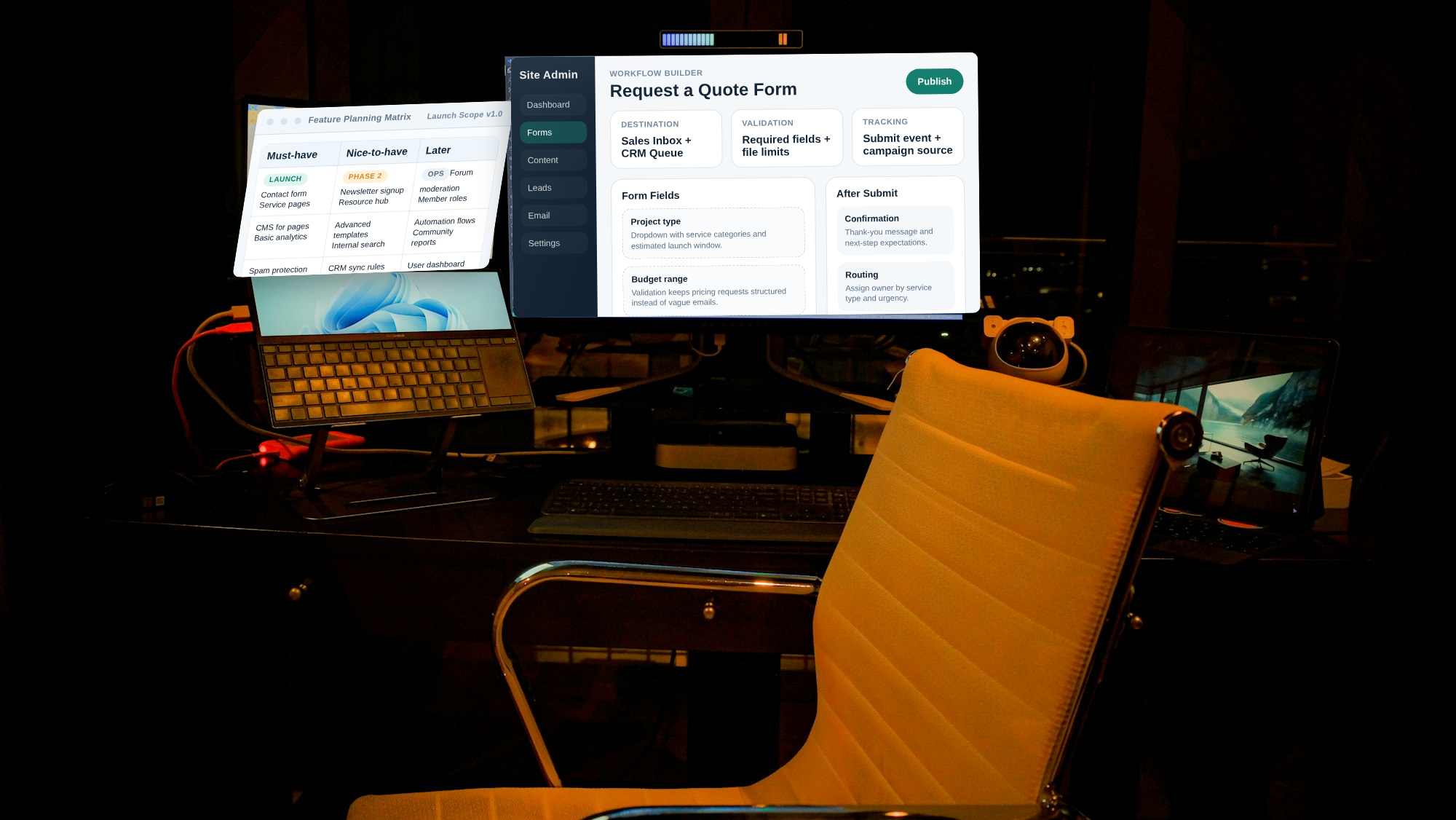
Use this as a “normal” cadence. Your exact days will vary depending on how fast content and approvals move.
Phase 1: Planning & kickoff (typically 1-2 weeks)
- Confirm scope: number of pages, lead flows (forms), and key SEO targets (service pages, blog, etc.).
- Pick a workflow: how approvals happen, who signs off on copy, and where files live.
- Define “done”: what “launch-ready” means for email sending, form submissions, and indexing setup.
Where teams often stall: not deciding who approves content early enough. If copy approvals aren’t scheduled, everything behind them moves.
Phase 2: Design & build in a staging environment (typically 2-4 weeks)
- Wireframes → design: structure, navigation, and page layout.
- Build templates: home, key service pages, contact/lead pages, and any conversion components.
- Staging first: set up the site in a non-public environment so testing is safe.
Tip: Treat staging like a rehearsal. If you only test after go-live, you lose the ability to fix quickly.
Phase 3: Content, forms, and SEO setup (often overlaps with Phase 2)
This is where your “email + forms + SEO” requirement changes the schedule. It’s not one task-it’s three tracks that need to meet before launch.
Forms & email track
- Decide destinations: which emails will receive submissions (and how you’ll route them).
- Set up deliverability: test sending, check spam behavior, and ensure the site is using a method that matches your email provider.
- Validate fields: required fields, confirmation messages, and error states.
Timeline impact: forms usually need final sign-off on copy (labels + privacy text) and at least one round of “real submission” testing before launch.
SEO track (pre-launch essentials)
- Indexability checklist: ensure pages can be crawled and aren’t unintentionally blocked.
- Search Console setup: verify ownership and connect the right property.
- Submit sitemap: once URLs exist and are correct.
- Internal links: make sure key pages are reachable and that navigation makes sense.
Timeline impact: SEO setup can start early, but technical verification (indexability + sitemap + Search Console reporting) should happen near the end-after build and before go-live.
Content track (the usual longest pole)
- Copy draft schedule: publish dates for drafts, not just a final deadline.
- Media & assets: images with proper dimensions and alt text, plus any brand guidelines.
- Legal/required text: privacy notice, terms text, cookie/consent language (if applicable).
Phase 4: Pre-launch testing & DNS cutover (typically 3-7 days)
- End-to-end form testing: submit test entries and verify the email arrives.
- Device/browser checks: mobile layout, navigation, form UX, and performance.
- Analytics & tracking: confirm events fire (page views, form submissions) and that consent settings don’t break measurement.
- DNS readiness: make sure hosting, SSL, and DNS records are aligned.
Internal reading: If you want the “what’s where” basics, see hosting & domain information/search and web design services.
Phase 5: Launch & the first monitoring window (typically 1-2 weeks)
- Monitor errors: 404s, broken links, slow pages, and server errors.
- Check form results: confirm submissions appear in the correct inbox or CRM.
- SEO verification: validate indexing signals and sitemap coverage.
- Gather feedback: fix top issues quickly while stakeholders are still engaged.
Where delays usually happen (and how to schedule around them)
1) Content delays
Even when design is ready, you can’t finalize pages without copy, images, and required text. A simple fix: schedule content drafts as “deliverables,” not “sometime next week.”
Practical gate: lock a first “page skeleton” (headlines + sections) before final copy arrives, so the build doesn’t wait in a holding pattern.
2) Approvals & review cycles
Approvals are rarely “one and done.” Plan for at least one revision round on design and two rounds on copy if multiple stakeholders review.
3) DNS and environment mismatches
Many teams discover too late that staging and production behave differently (email routing, redirects, SSL, caching). To avoid last-minute surprises, run production-like tests close to go-live.
4) Testing gaps (especially forms + email)
The most expensive bug is the one nobody notices until a real customer submits a form. Make “real submission + inbox verification” part of your pre-launch gate-not a nice-to-have.
How forms, email, and tracking affect the schedule
| Need | What to prepare | When to test | Common delay |
|---|---|---|---|
| Contact / lead forms | Field labels, confirmation text, spam controls | After build + before final content sign-off | Waiting for final copy to test field behavior |
| Email delivery | Destination inbox, spam expectations, routing rules | In staging that mirrors production, then again pre-launch | Test emails go to spam or disappear |
| Analytics & conversion tracking | Conversion events, tag verification, consent settings | During pre-launch QA | Tracking broken by consent/permissions |
What can be done in parallel to save time?
Parallel work is how you compress timelines without rushing quality.
- Design/build in staging while copy drafts are being written.
- Set up SEO infrastructure early (Search Console property, sitemap structure, indexability checks), but wait for final content before claiming coverage.
- Prepare form destinations and email routing as soon as the form fields are defined, not after the UI is final.
- Draft your launch QA checklist during build, then execute it in the final week.
A simple launch timeline template for clients
Copy/paste this into a shared document and fill in owners and dates.
| Week/Day | Task | Owner | Review gate | Output |
|---|---|---|---|---|
| Week 1 | Kickoff + scope + “definition of done” | Approve scope + workflow | Project plan + approval process | |
| Weeks 2-3 | Design drafts + build templates in staging | Design sign-off | Staging site for QA | |
| Weeks 2-4 | Copy drafting + asset gathering; forms/email setup | Copy review milestones | Draft content + form destinations confirmed | |
| Week 4 | SEO pre-launch checks + sitemap prep + analytics validation plan | SEO technical readiness | Indexability confirmed + sitemap ready | |
| Final 3-7 days | Full QA: forms/email, browsers, redirects, errors; DNS cutover prep | Go/no-go meeting | Launch checklist signed off | |
| Launch week | DNS/SSL cutover + monitor errors + verify form submissions | Daily monitoring for first days | Stable site + working lead flow | |
| Following 1-2 weeks | Fix issues; verify indexing and tracking | Post-launch sign-off | Final fixes + reporting |
Conclusion: make “launch-ready” measurable
A realistic launch timeline works when you define measurable gates: content ready, forms emailing, DNS/SSL aligned, and indexing setup verified. Everything else-design polish, last-minute edits, small aesthetic changes-can often be handled after launch if your conversion and technical foundations are solid.
Next question: which gate is your team most likely to miss-content approvals, email delivery testing, or DNS/SSL readiness? Fix that first, and the rest becomes easier.