
Common website security threats
Small business websites usually do not get hit by movie-style hacking scenes. The more common problems are quieter: weak passwords, outdated plugins, phishing emails, spam form submissions, and missing backups. Those are the kind of issues that sneak in while everyone is busy doing actual business.
If you want a plain version of the risk map, start with the basics: who can log in, what software is outdated, where forms send data, and how quickly the site can be restored if something breaks. For a broader planning view of how a site is built and maintained, the web design services page is a useful starting point.
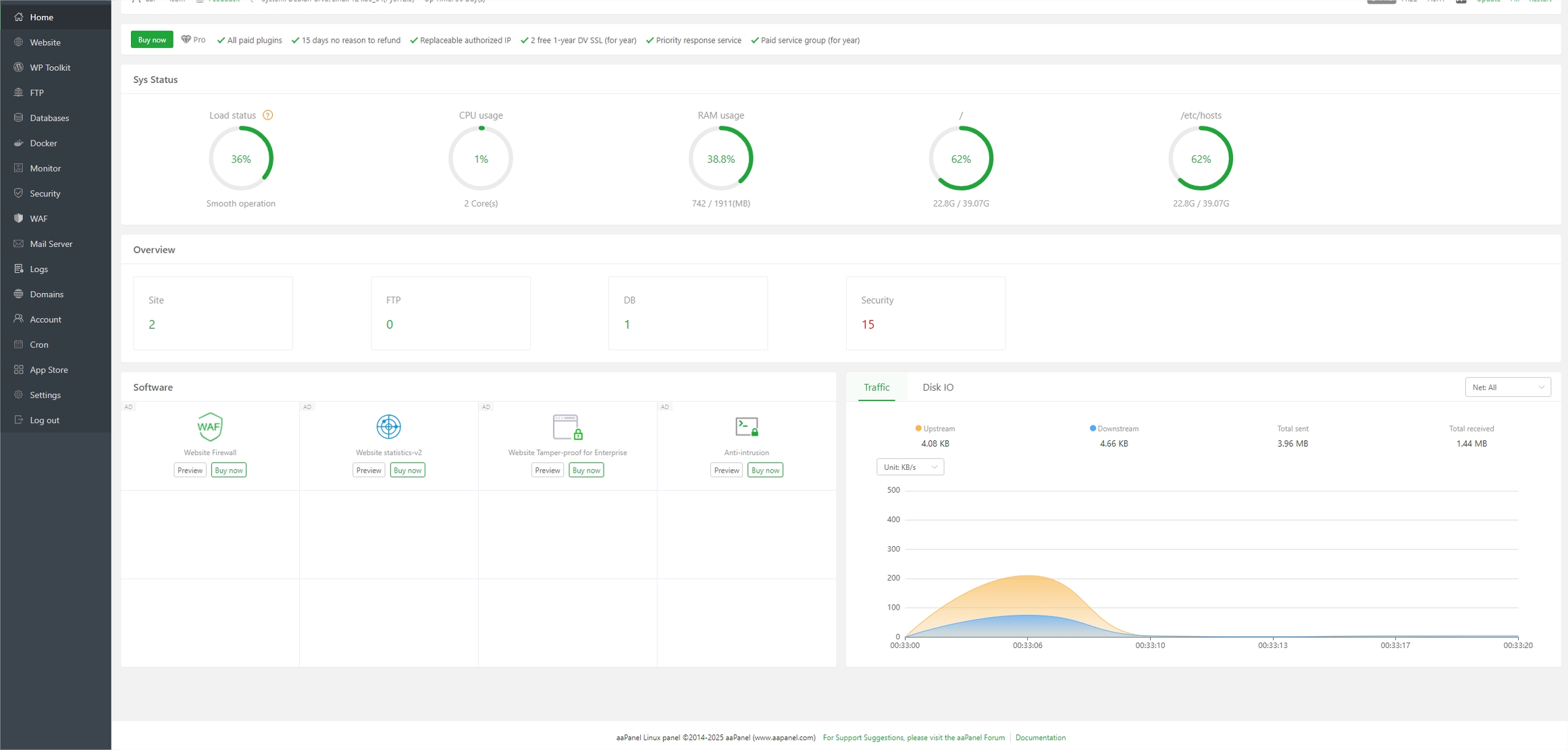
Best practices for securing your website
The short answer is boring, which is usually a good sign in security. Keep software updated, use strong unique passwords, turn on two-factor authentication, and limit admin access to the people who truly need it. The WordPress security hardening guide covers the basics in a way that is practical rather than dramatic.
It also helps to pick a host that handles automatic updates, malware scanning, and restore points. If the hosting setup is part of the decision, compare it with the basics explained on the hosting and domain information page.
- Use long, unique passwords and a password manager.
- Keep WordPress core, themes, and plugins updated.
- Delete extensions you do not use.
- Back up files and the database on a schedule.
- Use SSL everywhere so logins and forms are encrypted.
The CISA Essential Practices page is a good non-WordPress-specific checklist if you want the larger security picture.
Tools for monitoring website security
Security tools do not replace careful setup, but they do give you early warnings. A basic stack might include uptime monitoring, malware scanning, login alerting, and backup verification. In plain English: you want to know quickly if the site is down, altered, or locked out.
| What to watch | What it tells you | Example tool type |
|---|---|---|
| Uptime | Whether the site is reachable | External uptime monitor |
| File changes | Whether core files were altered | Security plugin or host scanner |
| Logins | Whether someone is trying to brute-force access | Login protection plugin |
| Backups | Whether recovery is actually possible | Backup service with restore test |
If you want a current overview of common web attack patterns, the OWASP Top 10 is a credible reference. It is not a small-business checklist by itself, but it explains why issues like injection and broken access control matter.
Responding to a security breach
If something suspicious happens, the first job is containment, not guessing. Change passwords, pause risky plugins or accounts, take a backup copy of the current state, and contact your host or developer if you have one. Then check whether the site is serving unexpected pages, redirecting visitors, or sending strange emails.
- Lock down accounts and rotate passwords.
- Put the site in maintenance mode if needed.
- Scan for malware and compare recent file changes.
- Restore from a clean backup if the damage is serious.
- Review how the issue happened so it does not come back wearing a fake mustache.
For recovery planning and incident response basics, NCSC incident management guidance is a solid public reference. It is aimed at a broader audience, but the response logic is the same: contain, assess, recover, and learn.
Creating a security plan for your website
A security plan does not need to be fancy. It just needs to be written down and realistic. Decide who handles updates, who receives alerts, how often backups run, and what the emergency contact path is if the site goes offline. That way, security is not a hopeful feeling; it is a small routine with names and dates attached.
- Weekly: check updates, backups, and logins.
- Monthly: review plugins, users, and permissions.
- Quarterly: test restoring a backup and review security settings.
- After any major change: verify forms, redirects, and SSL.
If you want help choosing what to secure first, start with the parts that handle money, leads, or logins. Those are the doors people actually knock on.
AI integration services can also be relevant when businesses automate website workflows, but only after the core security basics are in place.