
Launches fail for boring reasons. The domain is wrong, DNS was never checked, SSL is half-installed, and someone discovers the contact form still sends leads into a void. That is not a strategy; that is a staff meeting with consequences.
Before you go live, ask four questions: Do we own the domain? Are the DNS records correct? Is HTTPS forced everywhere? Are the pages search engines should see actually ready? Those are the questions that decide whether launch day feels calm or theatrical.
Official guidance from Cloudflare DNS and Google Ads account setup both point in the same direction: verify the technical foundation first, then build the marketing layer after the site can receive traffic cleanly and track it properly. That sequence is less glamorous than a countdown timer, but it saves time, money, and at least one unnecessary apology.
This checklist shows what must be finished before go-live, what can wait until after launch, and what often gets missed when teams try to do everything at once. You will also find a practical first-week plan so the site does not go from “published” to “interesting incident report.”
Why launch planning matters more than a fixed calendar
There is no honest universal launch date. Some projects wait on content approvals, some on DNS propagation, and some on the person who was “just reviewing one last thing” six days ago. A fixed week-by-week timeline only works when every dependency behaves like a spreadsheet, which is rarely the case.
A better model is a decision tree: confirm readiness, verify technical dependencies, test the pages that matter, and launch only when the risk of downtime is low. Cloudflare’s minimize downtime guidance is built around that same idea. DNS changes are not dramatic, but they can be inconvenient if you skip verification.
- Approvals are complete for the homepage, service pages, and contact details.
- The domain is registered and access credentials are in the right hands.
- DNS records are checked before nameservers or routing changes are made.
- SSL/TLS is active so the first public visit lands on HTTPS, not a warning screen.
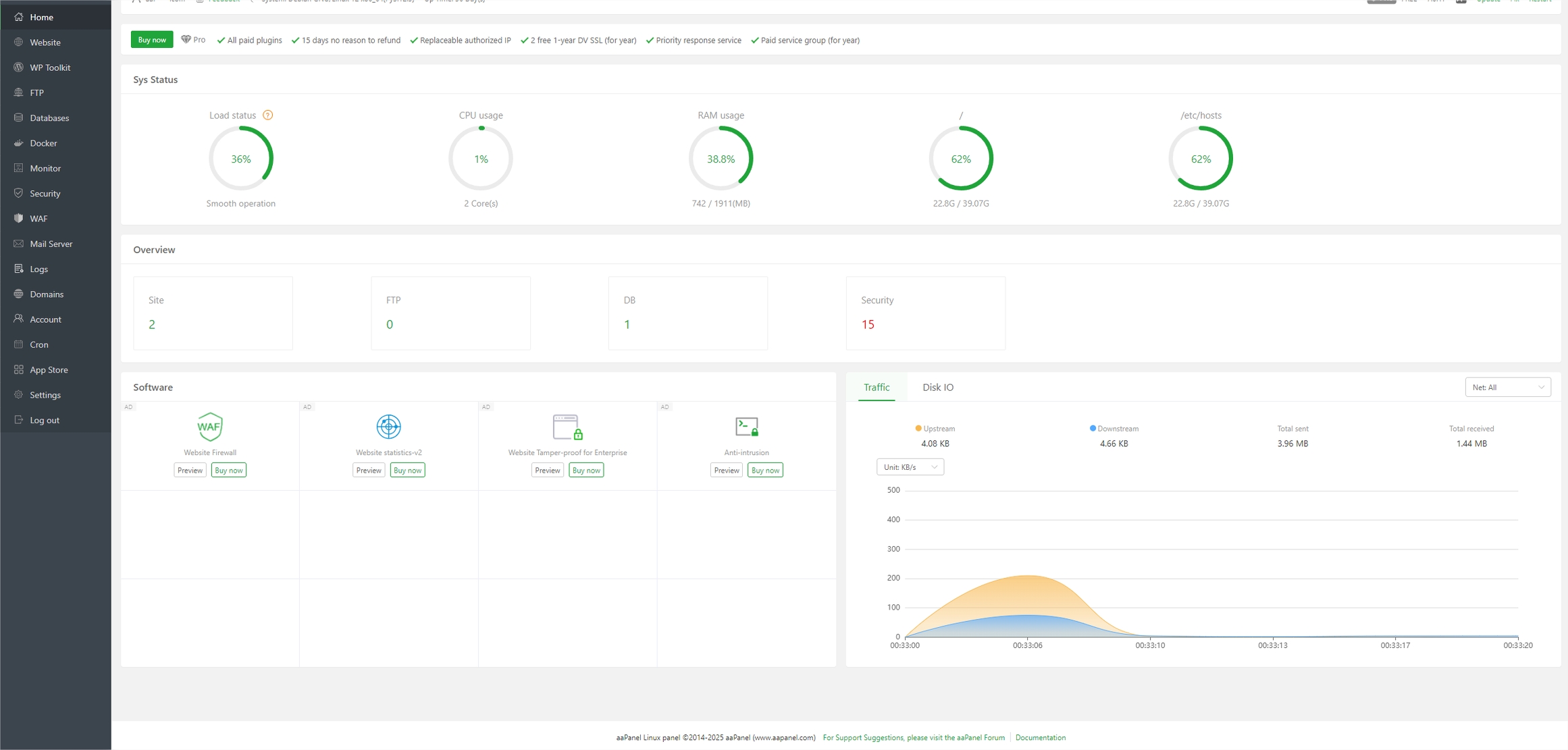
Step 1: Buy or confirm the domain, then verify DNS records before switching nameservers
The first decision is simple: do you actually control the domain, and can you prove it without digging through old email threads? If the answer is uncertain, resolve that before anything else. Ownership confusion is an impressive way to delay a launch that was supposed to feel professional.
Once the domain is confirmed, review the DNS zone. Check A records, CNAMEs, MX records, and any verification records for email or analytics tools. Cloudflare’s DNS setup documentation is a useful reference because it emphasizes reviewing records before activation, not after the site has already gone public.
DNS checks that prevent the most common mistakes
- Confirm the apex domain and
wwwversion point to the intended site. - Keep email records intact if the domain also handles business mail.
- Verify staging records are not accidentally exposed to search engines.
- Check TTL values if you expect to move quickly during launch.
Example: a business changes nameservers at 4 p.m., discovers that email stops resolving correctly, and spends the rest of the afternoon explaining that the launch is “basically live.” It is live in the same way a locked office is open.
If you need hosting or domain guidance for a new site, the site’s own hosting and domain information page is a better starting point than a guess and a prayer.
Step 2: Set up SSL/TLS and force HTTPS so the site is secure at launch
HTTPS is no longer a premium feature or a nice-to-have security flourish. It is the expected default. A site that launches without SSL/TLS tells visitors, browsers, and search engines that the technical handoff was not finished.
Cloudflare’s SSL/TLS guidance makes the sequence clear: enable the certificate, confirm the connection, and enforce HTTPS so visitors do not land on an insecure version by accident. The goal is not to celebrate encryption; the goal is to avoid avoidable friction.
- Install or activate the certificate for the live domain.
- Redirect all HTTP traffic to HTTPS.
- Make sure canonical URLs use HTTPS versions.
- Update internal links and sitemap URLs where needed.
Practical check: test the homepage, one service page, one form page, and one image-heavy page in a private browser window. If any of them land on HTTP or show mixed-content warnings, do not launch yet.
Step 3: Check the site’s core pages before launch
A website can be technically live and still be unfinished from a business perspective. Before launch, the pages that create trust and leads need a final pass. That means checking the homepage, core service pages, contact details, and proof pages such as references or portfolio items.
For this site, the priority pages are clear: the homepage, web design services, hosting and domain information, online advertising services, and references and portfolio. These are not decorative pages. They are the business case.
Core page checklist
- Service descriptions match what the business actually sells.
- Contact details are correct and consistent across the site.
- Calls to action are visible on each key page.
- Portfolio or reference content is current and credible.
- Page titles and meta descriptions are unique and readable.
If a page promises a service the team does not actually deliver, that is not marketing. That is future admin work, which is more expensive than editing copy correctly the first time.
Step 4: Make sure search engines can crawl the right pages and ignore staging or duplicates
Search engine setup before launch should be simple: allow the live pages to be crawled, block staging and duplicates, and keep the index clean. Anything else is an invitation for search engines to index the wrong version of the site and make that mistake somebody else’s problem.
Check robots directives, noindex tags, canonicals, and sitemap settings. Then confirm that staging domains, test URLs, parameter-heavy duplicates, and old draft paths are not open to indexing. Google’s own guidance on launch-ready properties and verification tools is worth reviewing in the background, especially if you use Search Console to monitor the first crawl. See the Search Console help center for the basic verification flow.
- Live pages are indexable.
- Staging and test environments are blocked.
- Duplicate versions resolve to the canonical URL.
- The XML sitemap includes only public, live pages.
Rule of thumb: if a page is not ready for customers, it is not ready for search engines either.
Step 5: Prepare Google Ads basics only after the landing pages, tracking, and conversion measurement are ready
Ads are not the first thing to configure on a launch checklist. They are the thing to configure after the pages are live, the forms work, and the conversions can be measured. Otherwise, you are paying to collect statistics about a broken funnel, which is a niche hobby but not a business plan.
Google Ads Help now starts account setup with business information, goals, budget, and measurement. That makes sense. Build the account only after the destination exists. The official campaign creation guidance and account setup guidance both assume you know what you want to track.
| Ready for ads? | Yes | No |
|---|---|---|
| Landing page live | Traffic goes somewhere real | Traffic has nowhere credible to land |
| Conversion tracking | Forms, calls, or goals are measurable | Budget spends without a record of success |
| Offer clarity | The page says what the visitor should do | The page makes the visitor guess |
If you need a marketing starting point, the site’s online advertising page is the right place to align that work after launch, not before the site can convert cleanly.
Step 6: Final pre-launch QA checklist: mobile, forms, redirects, speed, and backup plan
This is the final gate. Do not confuse it with “someone looked at it and nobody shouted.” QA is a deliberate pass through the things that break most often.
- Mobile: test the homepage, service pages, and forms on a phone and tablet.
- Forms: confirm messages arrive, auto-replies work, and spam protection does not block real users.
- Redirects: check old URLs, HTTP to HTTPS, and www/non-www routing.
- Speed: inspect image sizes, caching, and page load on common devices.
- Backup plan: confirm who can roll back, what gets restored, and how quickly.
Real-world scenario: a redesign launches beautifully on desktop, then the mobile menu hides the contact button under a sticky banner. The site is live, yes. Usable, not yet. There is a difference.
For a broader service engagement, the web design services page can support the handoff conversation, especially if content, UX, and hosting are still being coordinated.
What to do in the first 7 days after launch
Launch is not the finish line. It is the first day the site can show you what it really is. The first week should focus on visibility, indexing, and issue triage.
First-week actions
- Check Search Console for crawl errors and index coverage.
- Review analytics for traffic sources and conversion events.
- Test forms and phone links again in live conditions.
- Monitor redirects and any unexpected 404s.
- Pause and fix problems before adding more marketing pressure.
That last point matters. A broken launch with paid traffic attached is a fast way to make a small problem expensive.
If the site needs proof points, the references and portfolio page is useful for reinforcing trust once the launch is stable.
Quick launch checklist
- Domain ownership confirmed
- DNS records reviewed and validated
- SSL/TLS active and HTTPS forced
- Homepage, services, contact, and portfolio pages checked
- Search engines allowed to crawl only live pages
- Google Ads basics deferred until tracking is ready
- Mobile, forms, redirects, and backups tested
- First-week indexing and analytics review scheduled
Conclusion
A good website launch in 2026 is less about ceremony and more about sequence. Confirm the domain, verify DNS, enable SSL/TLS, review the core pages, protect crawl settings, and only then begin the paid traffic setup. That order keeps the launch practical, which is usually another way of saying less expensive.
If you are planning a launch and want the technical handoff to behave like a system instead of an experiment, start with the service pages, the hosting plan, and the conversion tracking. The rest is just noise with a calendar attached.